Watch UniRubric,
one topic at a time.
Short narrated screen-captures. Two to five minutes each.
19 live · 0 coming
Where to find your UniRubric feedback
Open the assignment in your LMS or directly on unirubric.com. The feedback appears beneath the grade.
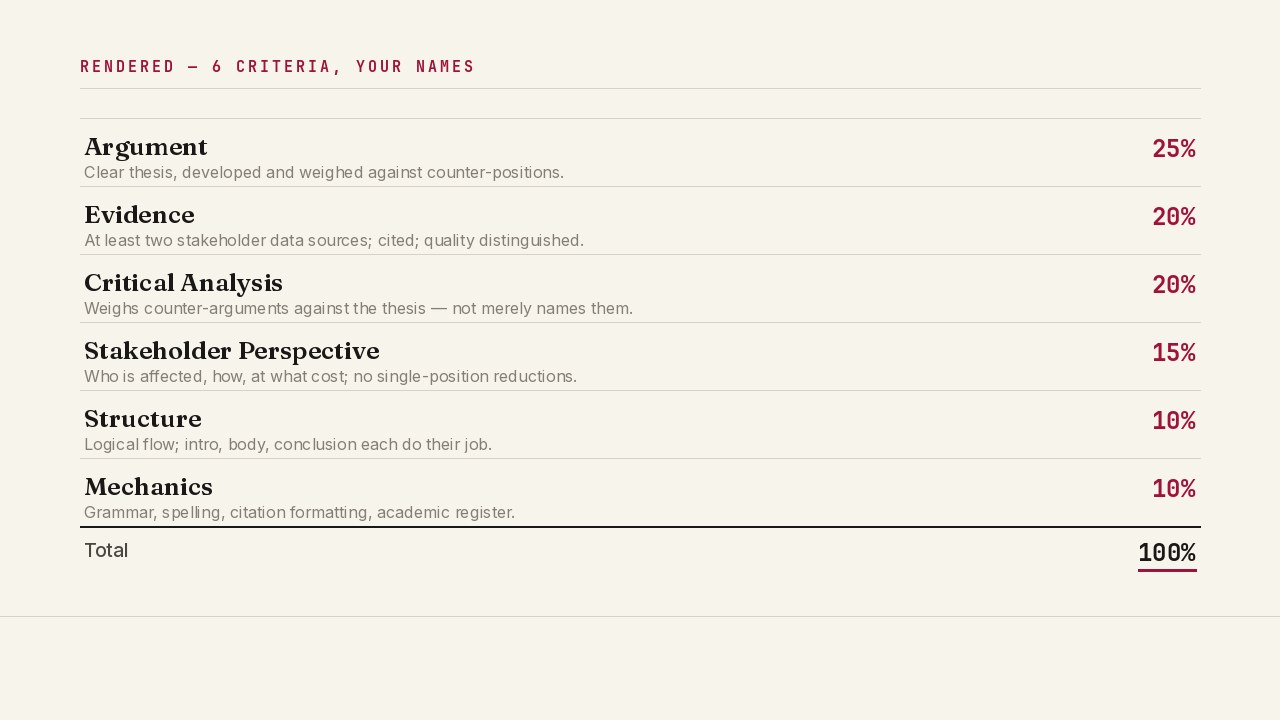
Using your own rubric (imported from the LMS)
UniRubric reads the rubric attached to the assignment and renders it as criterion cards. Edit any criterion in place.
Understanding why you got that score
Each criterion shows the rubric standard you were measured against and the part of your essay that matched it.
LMS setup in 90 seconds — the architecture
An animated diagram. LTI 1.3 handshake, AGS round-trip, tenancy. No real product UI.
Adding UniRubric to Moodle
Site administration, External tool, paste the LTI 1.3 JSON, save, run the handshake test.

كيف تقرأ ملاحظات UniRubric كطالب
مقطع للطلاب: أين تظهر الملاحظات وكيف تُقرأ المعايير والأدلة.
Adding UniRubric to Canvas
Developer Keys flow, paste the LTI 1.3 configuration, deploy at account or course level.
إعداد UniRubric في نظام إدارة التعلّم لديك
مقطع لمسؤول النظام: تركيب UniRubric بمعيار LTI 1.3.
What happens when a grading run fails
A look at /status, the incident timeline, the retry and refund flow.
Where student data lives
Australian customers in ap-southeast-2 only. The sub-processor map and the cross-region path.
Pricing in three minutes
The quote configurator and ROI calculator with worked examples for AU, UK, and US.
What is in the procurement pack
The PDF bundle index: MSA, insurance, CAIQ, references.
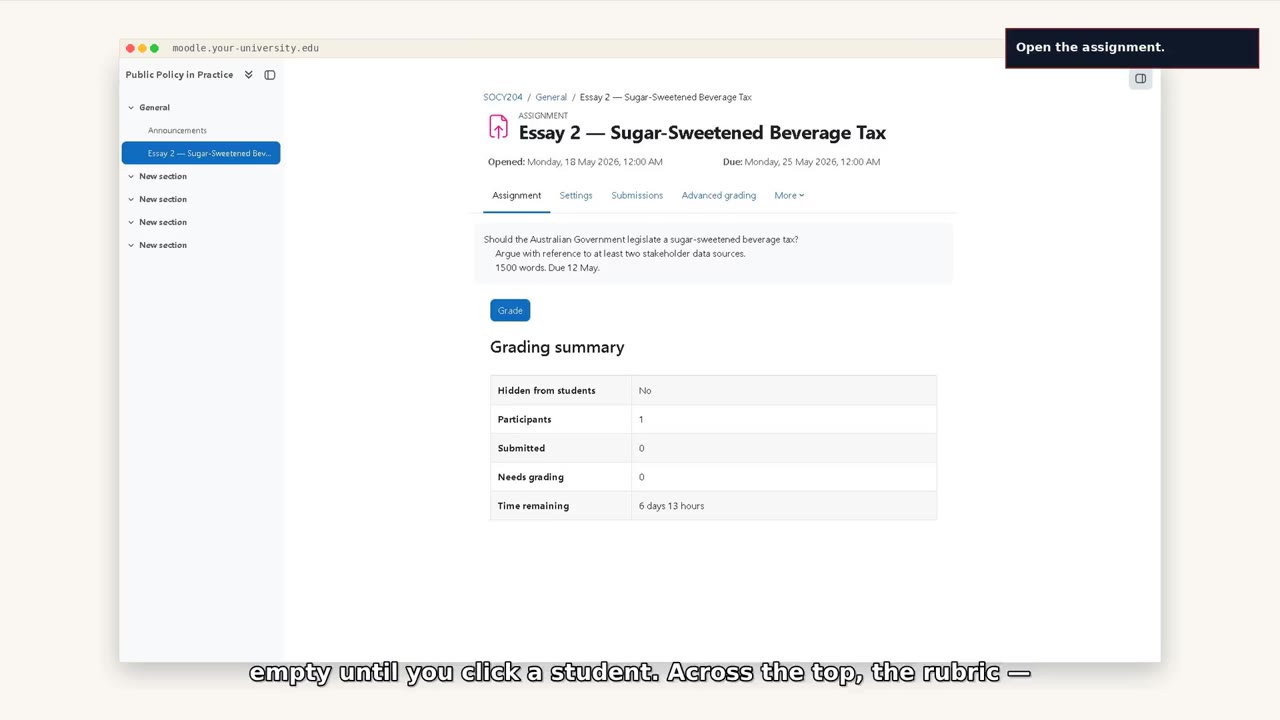
First time inside UniRubric — where everything is
A tour of the marking workspace. Where the students sit, where the essay opens, where the criterion cards live, where the rubric is.
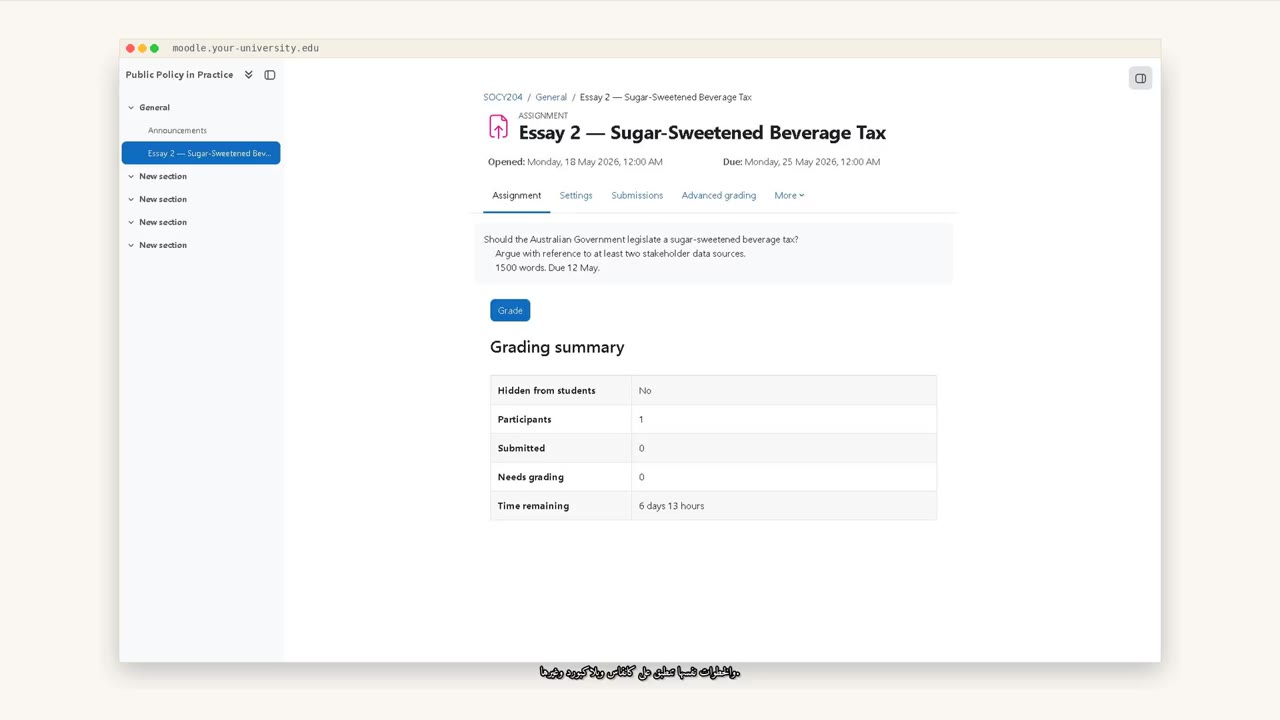
Marking a student assignment, end to end (Arabic)
A 5-minute walk-through, narrated in Arabic, from the Moodle login screen to releasing a grade back to the gradebook. Two voices: Abdullah for narration, Laloosh for the student-facing line.
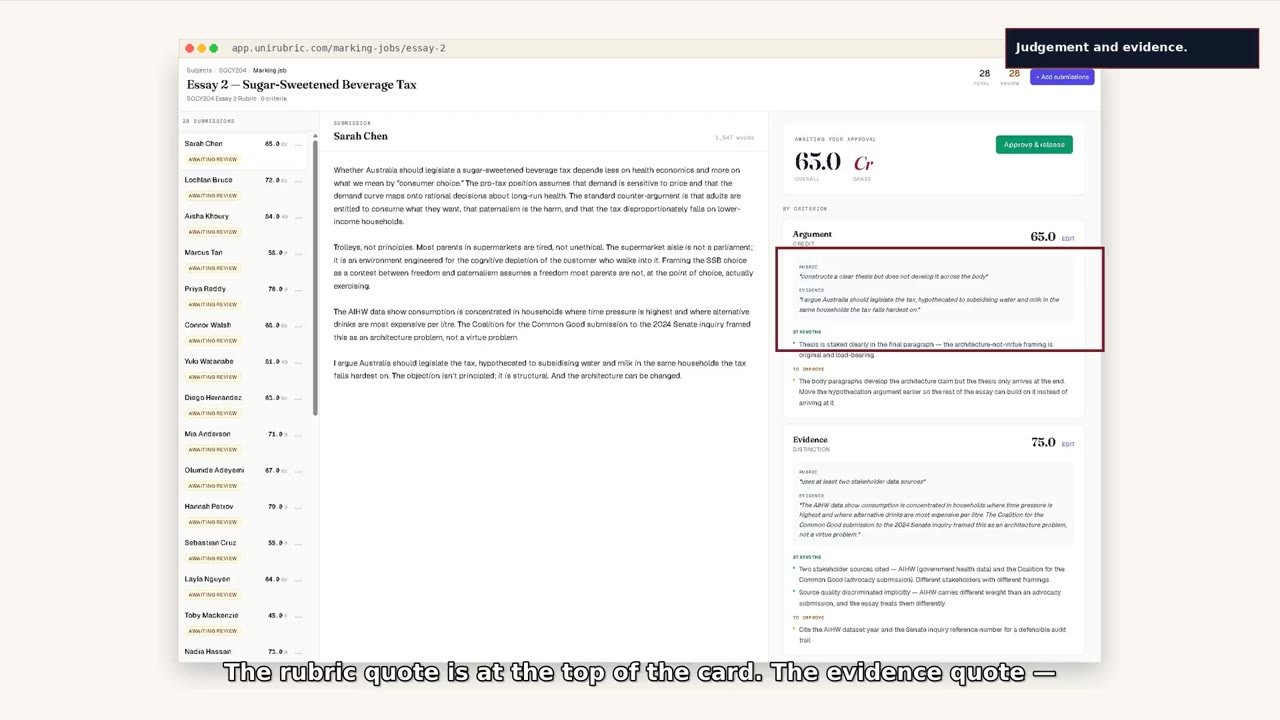
Marking one student end to end
Open the submission, review the draft, override one criterion, edit one feedback line, release the grade.
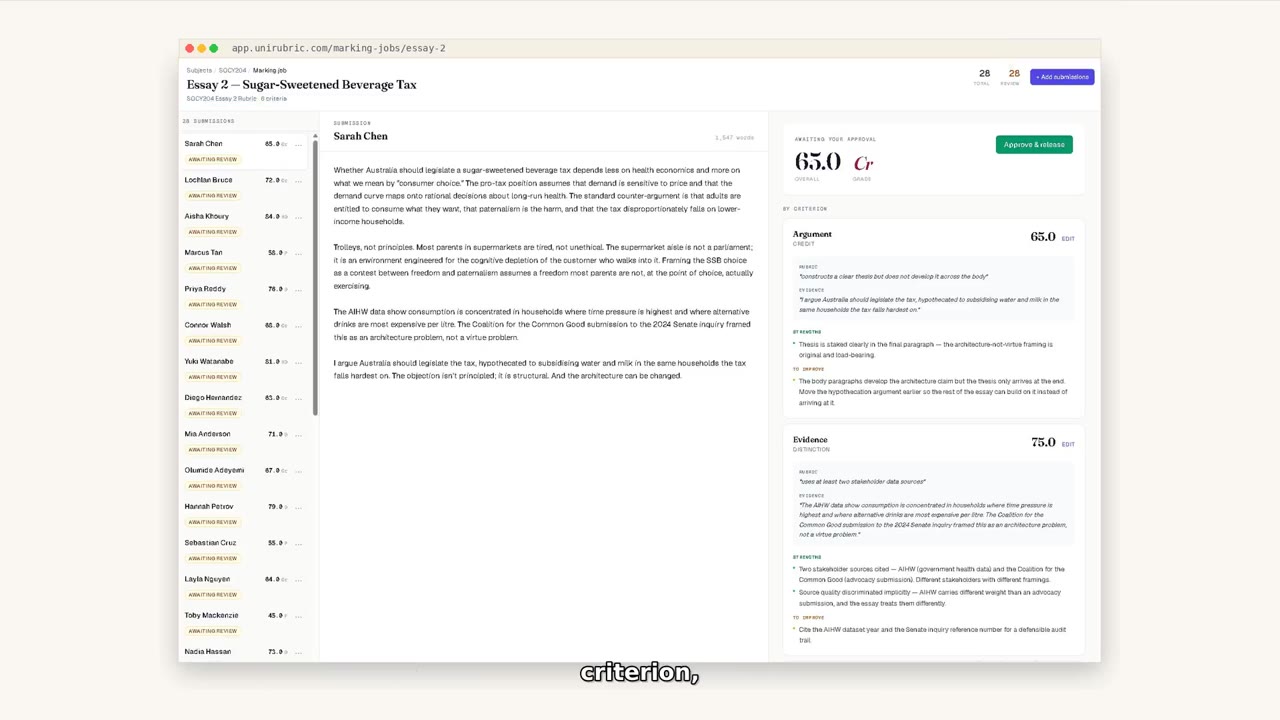
Pre-grading a cohort
Submit a queue of submissions for AI drafting. Each one returns with a green dot, ready for your review.
When you disagree with a criterion score
How to change a criterion score when you read the work differently from the AI draft. Edit the score directly; the change goes into the audit trail.
Editing the AI feedback before release
Edit the AI-drafted strengths and improvements before release. The student sees what you wrote.
Reading the audit trail of a grade
Reading the audit trail of a grade — folds into the researcher track.
Book a 30-minute
walk-through.
Against your real rubric.